This project shows how we took a scan, supplied by a client and made it viewable on their target platform, using optimization techniques.
Closing holes and Reducing Polygon Count
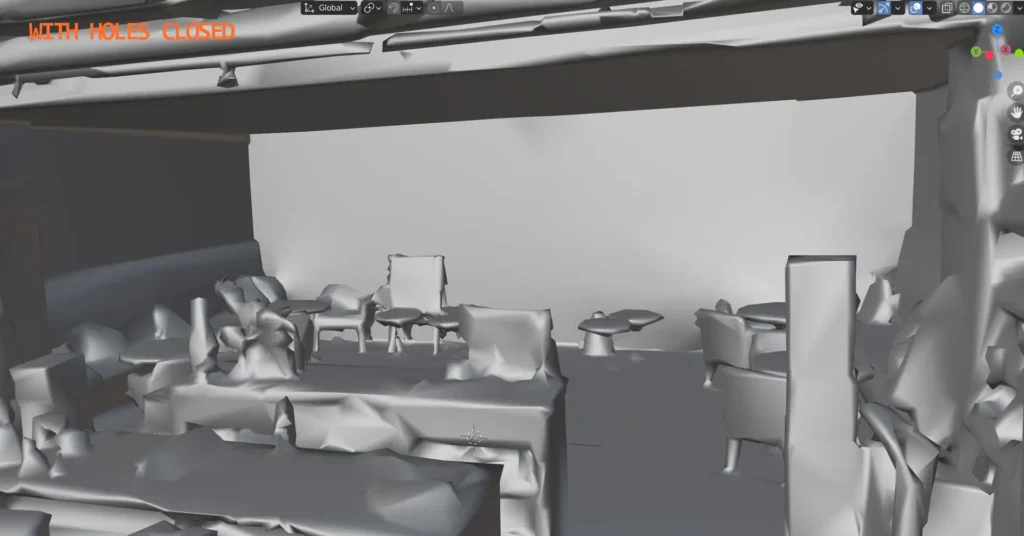
The original model supplied by the client had a lot of holes in the mesh, it also had a large polygon count which, was bloating the file size, and not enabling it to work on the target platform. We tasked our heroes to close any holes on the mesh and also reduce the polygon count without affecting the overal shapes too much.
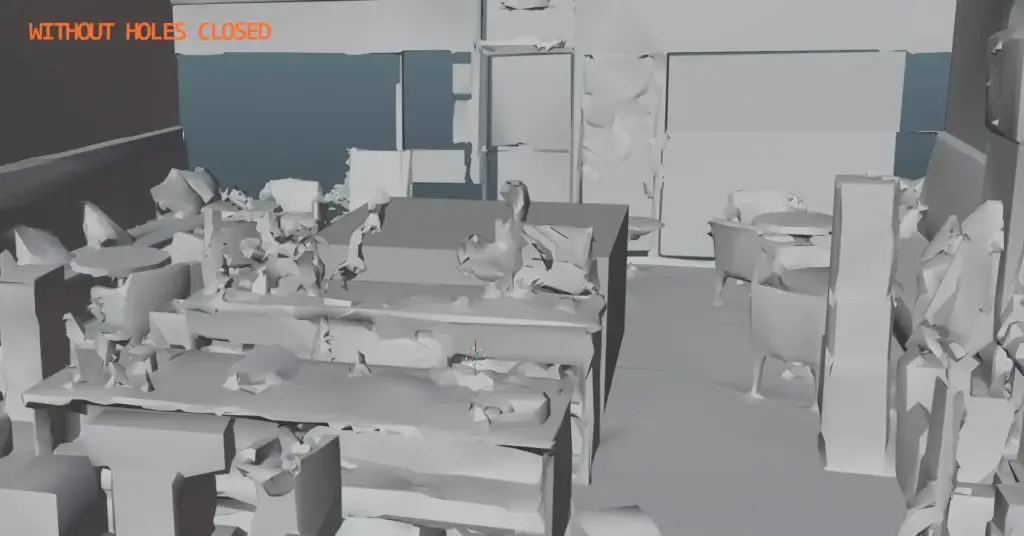
Below you can see the mesh has now been closed and the polygon count heavily reduced.
Fixing Texture Issues
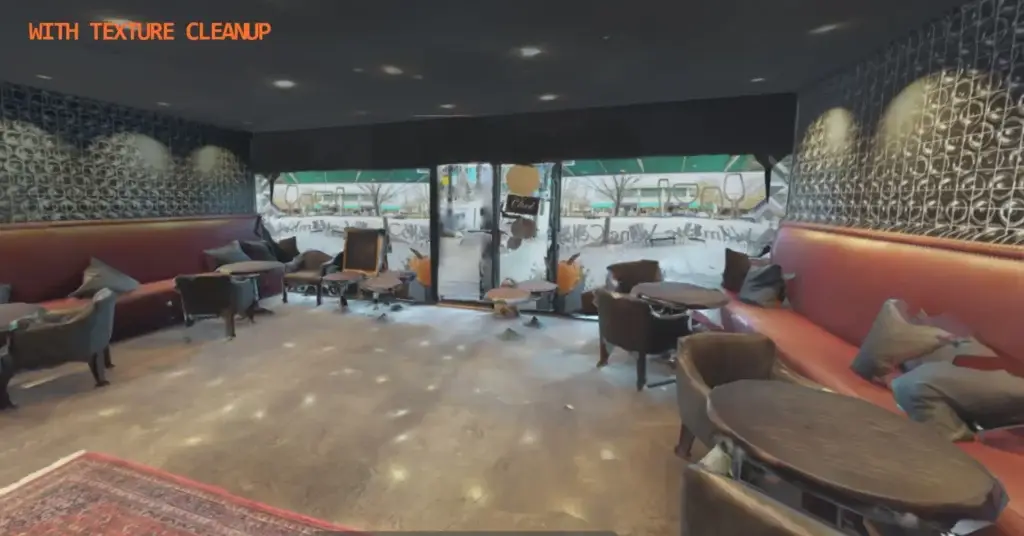
Now that the mesh has been reduced and all the holes have now been close we transfer the textures across to the new version. This also has the added benefit of reducing draw call counts as we can heavily reduce the amount of seperate materials being used.
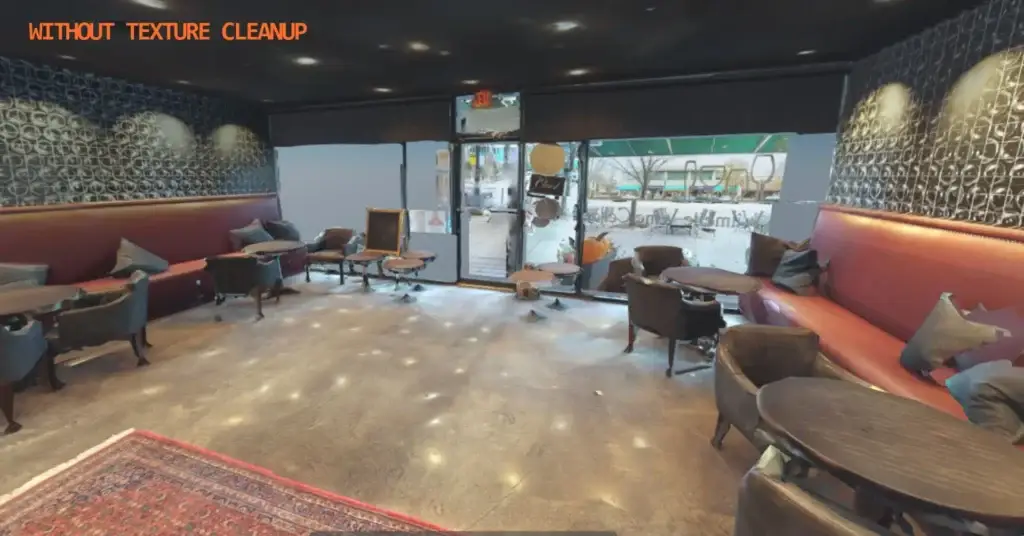
Below shows the Textures now fixed.
Final Performance Numbers
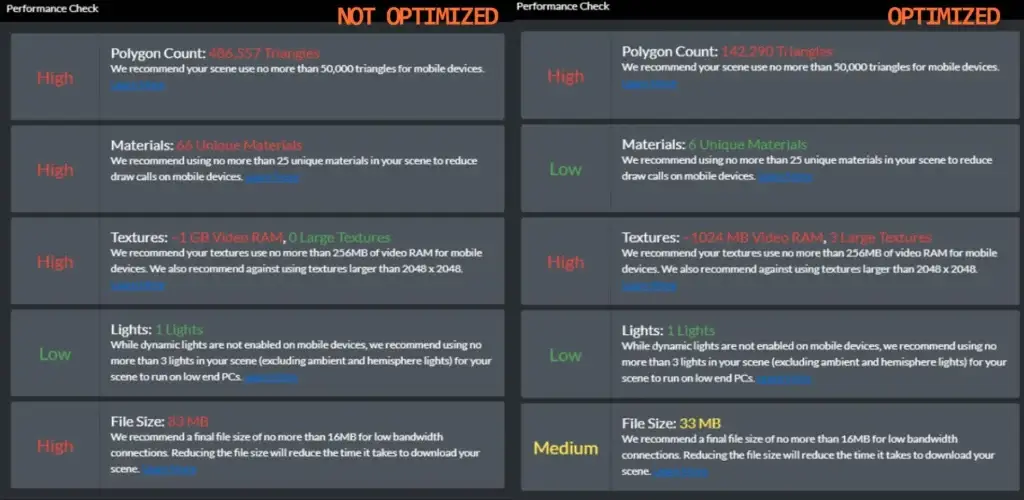
Here are the performance statistics for before and after the optimisation. This work enabled the room to be viewed on mobile phones, as the original scan would not.